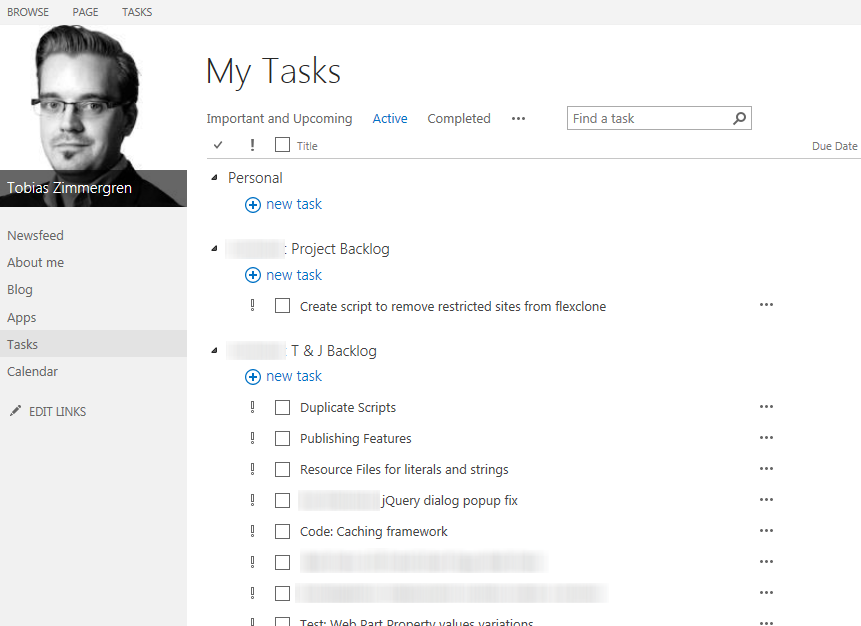
Recently while working with the Work Management Service Application in some of our environments, we got the common problem of not receiving any actual tasks on our My Sites. Instead, we saw this message:
Last updated at 1/1/1901 12:00 AM
Now, throw a google query and you’ll find plenty of resources and fixes for how to configure the permissions of your Service Applications in order to make this service work.
My Solution
Due to various policies, restrictions and IT related stuff we couldn’t just configure permissions in any way we wanted. So we needed to figure out another way to fix this simple problem.
The solution is simple, for us:
- Delete your Work Management Service Application
- Re-create a new Work Management Service Application - Create a new Application Pool, but use the same account as for the Application Pool hosting your My Sites/Social or Portal.
- Run a crawl - Incremental, continuous or full crawl should suffice.
- Bingo.
In some scenarios this may work, in others it may not work. For our various farms (Test, Pre-Production, Production) it works great, and given it works in 3 different environments (with different accounts et al) it’s pretty neat.
After the crawl did it’s job, I could start engaging the Tasks list on my My Site with collective tasks throughout my entire farm:
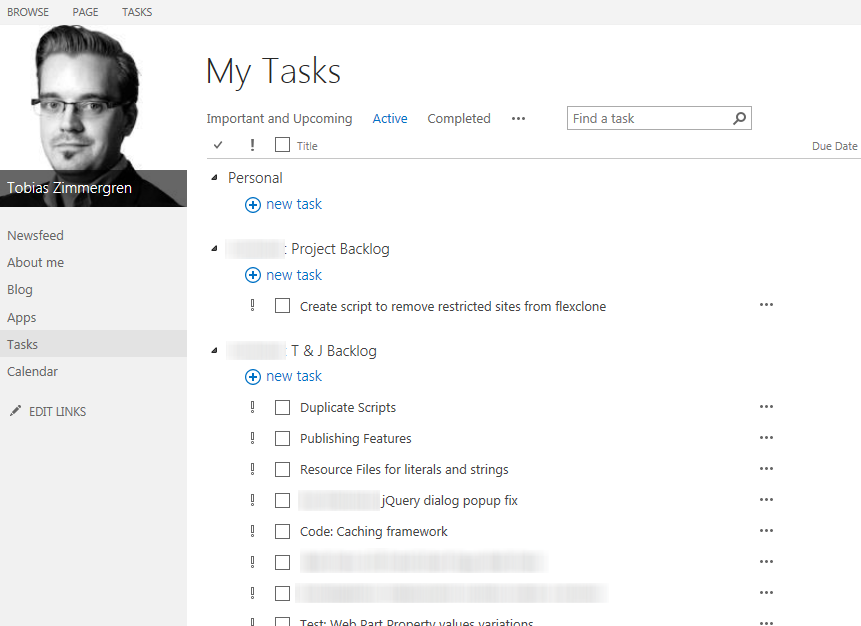
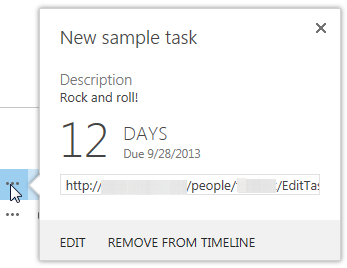
Looks like it did the trick, and the tasks are now working like a charm including all data related to the task.
Other options
If this still doesn’t work, check this TechNet article out about configuring the service permissions. Doing the above and configuring the permissions should definitely do the trick (http://social.technet.microsoft.com/wiki/contents/articles/12525.sharepoint-2013-work-management-service-application.aspx)
And here’s another tip if you’re still having issues: http://honggyem.blogspot.se/2013/05/my-tasks-not-updating-seen-following.html
Summary
Instead of messing about with permissions (for various reasons) we’ve managed to get it started and working with simply configuring the same Application Pool account. Should that not suffice, a combination will more likely work.


Comments are closed
Archived comments
I love you Tobias. Reading your blog posts about work management and SharePoint gets me sooo hot. Please blog about Translation Services next!
Nice. I love you too Mystery Woman! Do you know Spiderman by the way? Always wanted to meet him.
Cheers,
Tob.
thx for this tip. i was on the other article u mention in the end and tried many times but never works. changing application pool accnt make it works in 5 minutes. we also have the modified permissions like in the other article u mention but then also do this configuration with the application pool and it works very good. we can live with having our same application pool accnt for this, bcus it all works very good now
Hi Anish,
I'm glad you got it working too.
Cheers,
Tob.
yes works in my invironment to if we set permissions and then also change app pool like this. tried for many times but not have it worked until now. thanks you for helping out with this!! it not worked if only did the permissions changes but works when we use also the change here. perhaps only it works if you do both?
Hi Vladlen,
I'm glad you got it spinning. I take it that you were only successfull after trying out both setting the permissions and the change of the app pool?
Trying with only permissions has failed for me and my clients in the past, but the trick with the app pool made it all just seemingly work.
This post is still helpful with SP2013 SP1!
Only changing the permissions also didn't work in my case. But I didn't have to re-create the service application either.
In the Work Management Service Application Properties I simply chose to create a new application pool with the pool account of Portal/MySite Web App - and it worked
Great Heinrich! Glad it worked out for you :-)
In some cases we've seen that we can modify the permissions on the database level as well to get things working, but normally, at least in our projects, that's not where we want to modify these things.
Glad you've verified the fix for SP1 as well.
Cheers,
Tobias
It really helped me! Thanks!
Top! Glad you found it useful.
Tobias.
Any idea on alternatives to work management service as it has been deprecated from SP2016 onwards ?